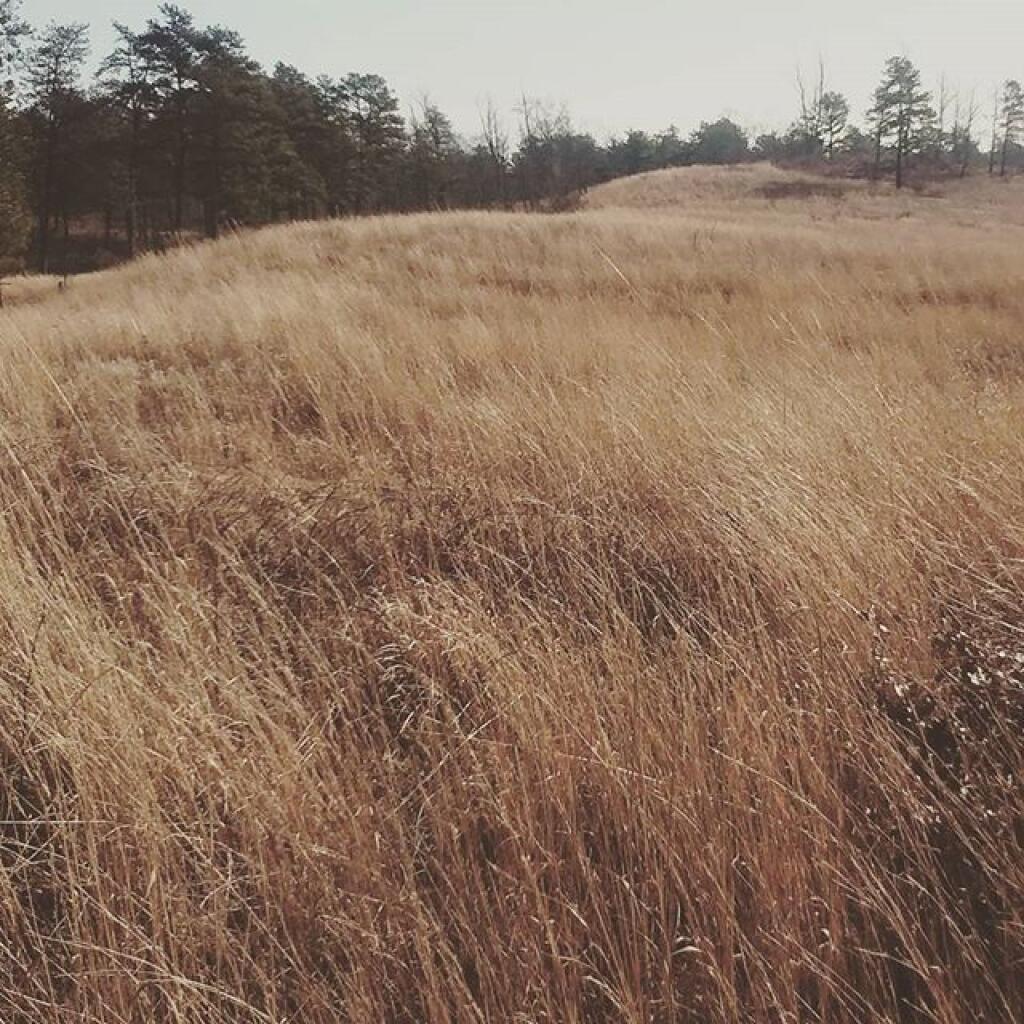
The Albany Pine Bush, referred to locally as the Pine Bush, is one of the largest of the 20 inland pine barrens in the world, and is centrally located in New York’s Capital District within Albany and Schenectady counties, between the cities of Albany and Schenectady. The Albany Pine Bush was formed thousands of years ago, following the drainage of Glacial Lake Albany.
The Albany Pine Bush is the sole remaining undeveloped portion of a pine barrens that once covered over 40 square miles (100 km2), and is “one of the best remaining examples of an inland pine barrens ecosystem in the world.” Today it includes all parcels of the Albany Pine Bush Preserve (a state nature preserve spanning 3,200 acres (1,300 ha)), the properties that connect these protected parcels, and some of the surrounding areas that abut the preserve. The 135-acre (55 ha) Woodlawn Preserve and surrounding areas in Schenectady County are the western sections of the Pine Bush and are separated from the Albany Pine Bush Preserve in Albany County.
The Pine Bush has been a historical, cultural, and environmental asset to the Capital District and Hudson Valley regions of New York. Pioneers moving west passed through the pine barrens, which later became the site of the first passenger railroad in the United States. The Pine Bush is also home to the Karner Blue butterfly, an endangered species first identified by Vladimir Nabokov in 1944 using a type specimen from the Pine Bush.
My first Arduino project was an LED controller. It's still a work in progress but it makes it easier to sleep in the evening by giving me controllable red and yellow light, while more blues in the morning.
Some useful code examples that I created for writing and reading simply and reliably any object or data type with a 24LC256 EEPROM chip hooked up to an Arudino.
This code demonstrates how to read and write any data type, such as strings to an external I2C EEPROM. I am sharing this code as I wasn’t happy with the other examples I found on the Internet, which I found to be too complicated.
#include <Wire.h>
#include "i2ceeprom.h"

// struct containing a text array for storage in the EEPROM
struct text_t {
    char text[100];
};

int address = 0;

void setup() {
  Wire.begin();
  Serial.begin(115200);
}

void loop() {

  text_t input;

  while (Serial.available() < 1) {
    delay(100);
  }

 // obtain array of characters from Serial port
  uint8_t i = 0;
  while (Serial.available() > 0) {
    input.text[i++] = (char) Serial.read();
  }
  input.text[i++] = '\0';

// Write the input object (which contains a text array)
// to the i2C EEPROM. This does not work with an array directly
// as the array must be within a struct.
  address += eeWrite(address, input);
  config.count++;
  eeWrite(0, config);

  // loop through all of the output text
  unsigned int output_address = config.start;
  text_t output;

  while (output_address < config.start+(sizeof(output)*config.count)) {
    Serial.print(output_address);
    Serial.print(" ");
    output_address += eeRead(output_address, output);
    Serial.print(output.text);
  }
}
Here is the header file to include that includes the related functions.
#include <Arduino.h>  // for type definitions
#define DEVICE 0x50

// Read one byte
byte eeReadByte(unsigned int address) {
  byte read_data = 0xFF;

  Wire.beginTransmission(DEVICE);
  Wire.write((int)(address >> 8));   // MSB
  Wire.write((int)(address & 0xFF)); // LSB
  Wire.endTransmission();

  // Request 1 byte from device
  Wire.requestFrom(DEVICE, 1);

  // if successful return
  if (Wire.available()) read_data = Wire.read();

  return read_data;
}

// Write one byte (could be made faster by using page write)
// but I've decided not to implement this as speed is not a consideration
// for my projects (I can wait for the data to be written while I do other things)
void eeWriteByte(unsigned int address, byte data) {

  if (data == eeReadByte(address)) return; // minimize data writes for speed
                                           // and wear on memory

  Wire.beginTransmission(DEVICE);
  Wire.write((int)(address >> 8));   // MSB
  Wire.write((int)(address & 0xFF)); // LSB
  Wire.write(data);                  // Write byte
  Wire.endTransmission();

  // Writing in I2C DEVICE takes ~5ms (even if I2C writing already done)
  delay(5);
}

// eeWrite is the user function that converts an object into
// a byte stream and then calls eeWriteByte to write the data
//
// int ee = Address to write
// const T& = Any type of object (EXCEPT ARRAY) to write, such as
//            byte, int, char, struct. If you want to save
//            an array of any type such as a character array,
//            you should put the array within in a struct
//            or use another non-array type like the string class.

template <class T> int eeWrite(int ee, const T& obj) {
    // cast object to a void then to a byte
    const byte* p = (const byte*)(const void*)&obj;

    // for each byte, write it
    for (unsigned int i = 0; i < sizeof(obj); i++)
          eeWriteByte(ee++, *p++);

    // return the size of data written so we can increment
    // our address variable to know the location of the next address
    return sizeof(obj);
}

// eeRead is the user function that converts an object into
// a byte stream and then calls eeReadByte to write the data
//
// int ee = Address to start of reading
// const T& = Any type of object (EXCEPT ARRAY) to read, such as
//            byte, int, char, struct. That number of bytes will
//            be fetched from the eeprom, with data converted back
//            into the proper data type.

template <class T> int eeRead(int ee, T& obj) {
    byte* p = (byte*)(void*)&obj;

    for (unsigned int i = 0; i < sizeof(obj); i++)
          *p++ = eeReadByte(ee++);

    return sizeof(obj);
}
PIR Sensors can be used with anything that you need to detect motion. The modules I ordered from China were under buck a piece, and seem to work fine, although I think I will need to add a pull-up resistor for them to work properly with my lighting module.
This is the current draft of my Arduino LED remote control code. It's still a work in progress, but I figure if you want to use it or get inspiration for your projects it's here. New in this version is an "automatic sunrise" using a clock chip. That function is still somewhat buggy.