Day: August 21, 2024💾

📽️ Videos

How to access WMS Servers in R Programming Language

How to access WMS Servers in R Programming Language

I couldn’t find a good package to read WMS data into a SpatialRaster or for downloading. However I discovered that you can use sf’s built-in version of gdal_util query the WMS server’s information then use the sf built in gdal_translate to download the WMS image into a temporary file then load it into memory.

library(sf)
library(tidyverse)
library(terra)
rm(list=ls())

# obtain layer info from WMS server using sf built-in version of gdal_info
wms_url <- 'https://orthos.its.ny.gov/ArcGIS/services/wms/Latest/MapServer/WMSServer?'
ginfo <- sf::gdal_utils('info', str_c('WMS:',wms_url), quiet=T)

# extract layers and layer urls from returned layer info, 
# create a data table from this data
ldesc <- ginfo %>% str_match_all('SUBDATASET_(\\d)_DESC=(.*?)\n')
ldsc <- ldesc[[1]][,3]
lurl <- ginfo %>% str_match_all('SUBDATASET_(\\d)_NAME=(.*?)\n')
lurl <- lurl[[1]][,3]
wms_layers <- cbind(ldesc, lurl)
rm(ldesc, lurl)

# obtain from census bureau a shapefile of the Town of Cazenovia,
# then find the bounding box around it
bbx<- tigris::county_subdivisions('ny') %>% 
  filter(NAME == 'Cazenovia') %>% 
  st_transform(3857) %>% 
  st_bbox()

# Revise the WMS URL based on the above bounding box
# Web Mercator (3857) is best to use with WMS Servers as
# that is the native projection. As I wanted multiple layers
# I also revised the URL string to include all layers desired
# Seperated by a comma (explore the wms_layer table for details)
url <- wms_layers[4,2] %>%
  str_replace('LAYERS=(.*?)&', 'LAYERS=3,2,1,0&') %>%
  str_replace('SRS=(.*?)&', 'SRS=EPSG:3857&') %>%
  str_replace('BBOX=(.*?)$', str_c('BBOX=',paste(bbx, collapse=',')) ) 

# Use sf built-in gdal_utils to download the image of Cazenovia based
# on the URL, with an output size listed below. You can also download
# based on resolution by using the tr option that is commented out below.
# then load the temporary file into rast as a Spatial Raster for further 
# processing. In addition, adding -co COMPRESS=JPEG greatly reduces the size
# of aerial photography with minimal impacts on quality or loading speed.

t <- tempfile()
reso <-  c('-outsize','1920','1080','-co','COMPRESS=JPEG')
#reso <- c('-tr', '1','1','-co','COMPRESS=JPEG') # "meters" in the 3857 projection
sf::gdal_utils('translate', url, t, reso) 
r <- rast(t)

# display the spatial raster or whatever you would like to do with it
# the tiff is stored in the temporary location in the t variable
plot(r)

Thematic Map: Percent of Land Forested – New York State Counties in 2021
Map: Moose River Plains Recreation Area
Map: Green Mountain National Forest North

Wild Blueberry Fields

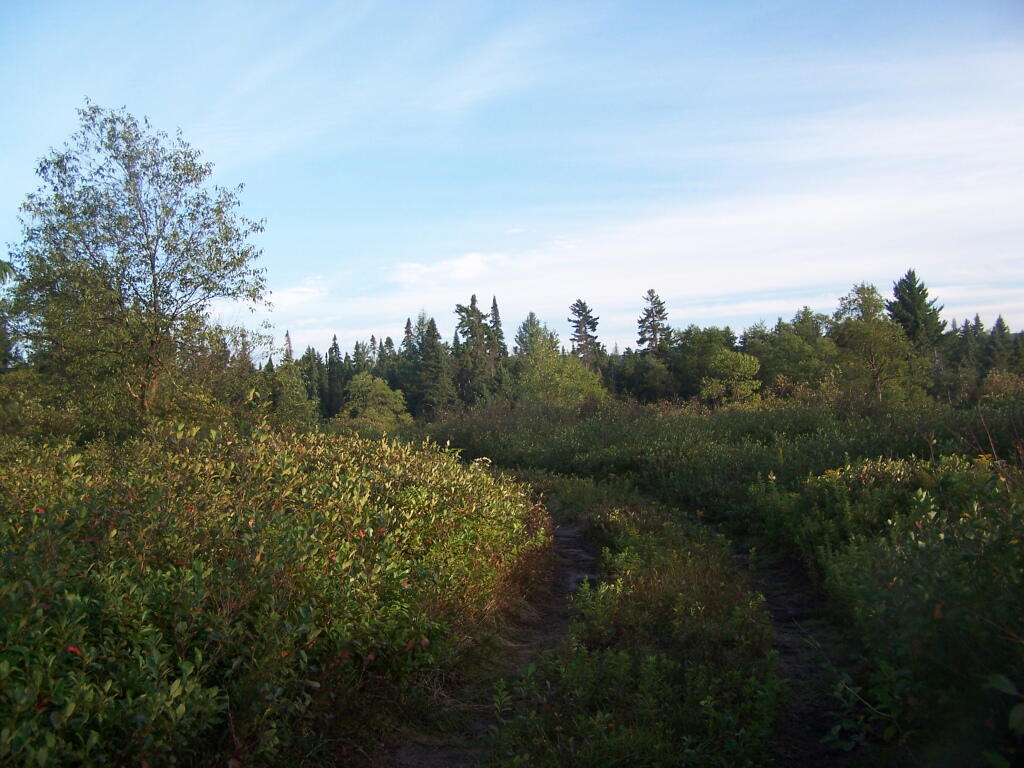
This is an hour away (or 15 miles away at 15 MPH), up in the sandy plains of Moose River Plains. These are some of the best blueberry fields in the Adirondacks, and despite being in season for three weeks and very popular, still have many berries to pick.

Wednesday August 11, 2010 — Moose River PlainsBear Pond Trail 🗺Beaver Lake 🗺Ice House Pond 🗺Moose River Plains Camping Area 1-30 🗺Moose River Plains Camping Area 123-131 🗺Moose River Plains Camping Area 30-40 🗺Moose River Plains Camping Area 41-61 🗺Moose River Plains Camping Area 64-74 🗺Moose River Plains Camping Area 71-123 🗺Moose River Plains Camping Area 80-110 🗺Moose River Plains Camping Area 80-111 🗺Moose River Plains Recreation Area 🗺Natural Rock Dam Trail 🗺PDF with All Maps 📚
Map: Empire State Topography