
Untitled


While I get the benefits of IDEs, I tend to find them nausating with all the windows and buttons on the screen. I use the geany text editor for many of my coding projects — it is an IDE / text editor, with fewer buttons and a much faster interface. Other times I use Jupyter, especially when I am developing Python or R code.
I get the benefits of having object explorers and integrated debuggers — but you can get a variable inspector plug-in for Jupyter, and can often break up code into short enough segments for easy debugging in Jupyter.
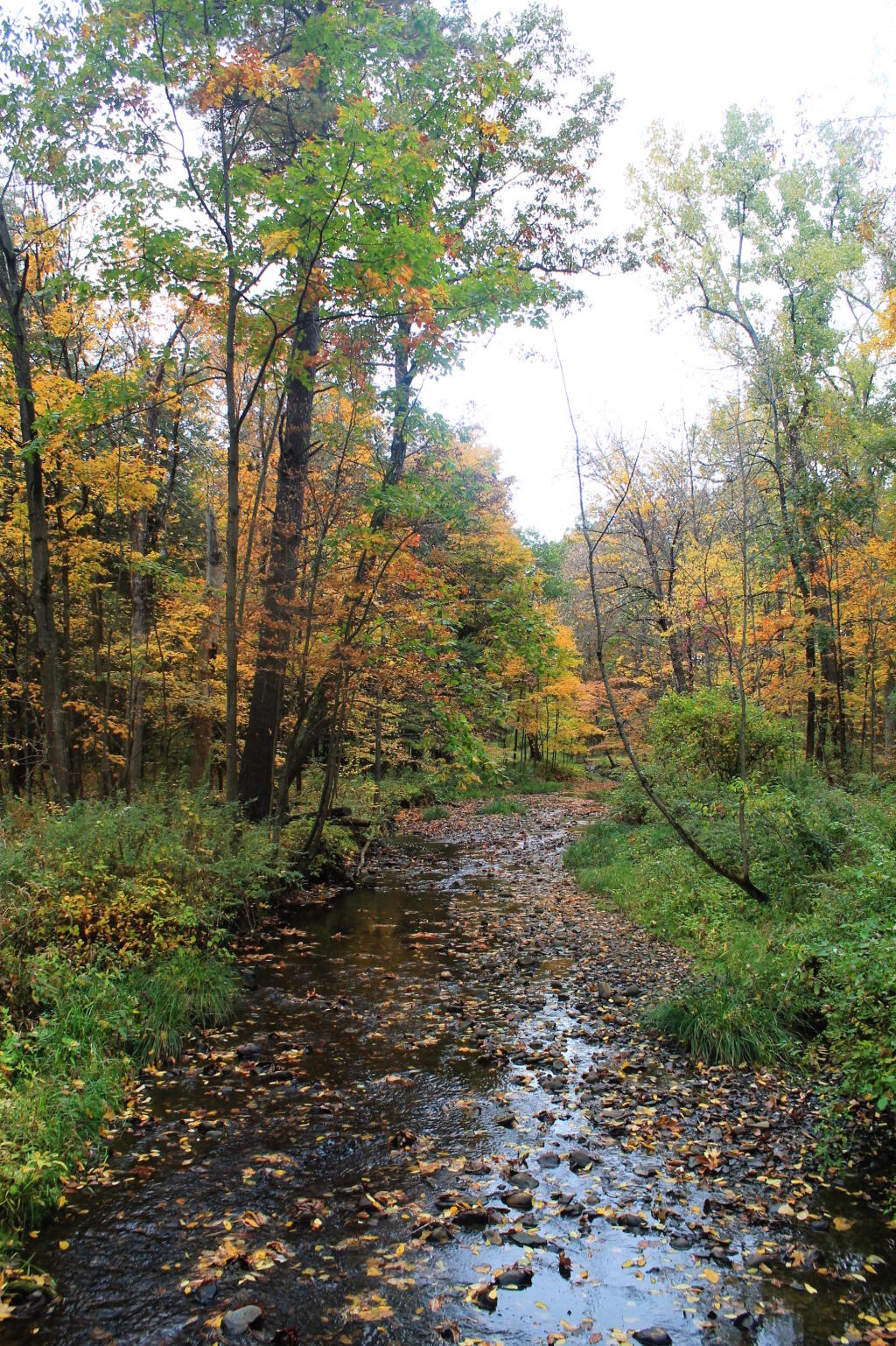

The dry conditions in West Virignia over the past few weeks, mean some of the roads are particularly rough and washboarded.
Here is some code I wrote for creating Census graphics from the American Community Survey data. It could be generalized, but it works for now.
import pandas as pd

path = '/media/hd2/census/acs-summary-file/'

# much faster to load the one ny state sheet as csv
geo = pd.read_csv(path+'5_year_Mini_Geo_NY.csv', index_col='Logical Record Number')

# useful fields for querying
geo['summary_level']=geo['Geography ID'].str[0:3]
geo['state_id']=geo['Geography ID'].str[7:9]
geo['county_id']=geo['Geography ID'].str[9:12]
geo['county_sub']=geo['Geography ID'].str[12:18]
geo['geoid']=geo['Geography ID'].str[7:18]

# load headers
header = pd.read_excel(path+'ACS_5yr_Seq_Table_Number_Lookup.xlsx')

# create a column with census variable headers
header['COL_NAME'] = header['Table ID'] + '_' + header['Line Number'].apply(lambda a: "{0:.0f}".format(a).zfill(3))

# segment id, along with ACS year and state
segId = 33
year = 2019
state = 'ny'
geolevel=''

# create a list of headers for segment file
segHead = ['FILEID','FILETYPE','STUSAB','CHARITER','SEQUENCE','LOGRECNO'] \
    + header.query('`Sequence Number` == '+str(segId)).dropna(subset=['Line Number'])['COL_NAME'].to_list()

seg = pd.read_csv(path+'e'+str(year)+'5'+state+(str(segId).zfill(4))+'000.txt'+geolevel+'.zip',header=None, names=segHead, index_col=5)

seg = geo.join(seg)

# make the pretty graphs

import matplotlib.pyplot as plt
from datetime import date

plt.rcParams['font.family'] = 'Nimbus Sans' #'Overpass Mono'
plt.rcParams['font.size'] = 14

plt.rcParams['figure.figsize'] = [10, 10]

colors = plt.get_cmap('plasma', 11).colors

counties_fips=seg['county_id'].unique()

for county_fips in counties_fips:
    if not county_fips: continue
    print('County FIPS: '+county_fips)

    towns=seg[((seg['county_id'] == county_fips) & (seg['summary_level'] == '060'))].sort_values(by='Geography Name', ascending=False)

    fig, ax = plt.subplots()

    # clean up these variables
    for var in ['B09005_001','B09005_002','B09005_003','B09005_004','B09005_005']:
        towns[var]=pd.to_numeric(towns[var],errors='coerce')
        towns=towns.dropna(axis=0, subset=[var])


    # iterate through each line so we can see if big enough to add label
    for i, key in enumerate(towns.index):

		# suppress towns with few lines
        town = towns.loc[key]
        if town['B09005_001'] < 5: continue


        # plot bars
        left = 0

        # choose colors that reinforce gender stereotypes
        for var, label, color in zip(['B09005_002','B09005_003','B09005_004','B09005_005'],
                             ['Married','Cohabitating','Men','Women'],
                             ['SeaGreen','IndianRed','DarkBlue','Orchid']):

            per = (town[var]/town['B09005_001'])*100

            if i != 0:
                p1=ax.barh(town['Geography Name'].split(',')[0], per,
                          color=color, left=left)
            else:
                p1=ax.barh(town['Geography Name'].split(',')[0], per,
                          color=color, label=label, left=left)

			# label bars above 10%
            if per > 10:
                ax.bar_label(p1, label_type='center',weight=1000, size=14, backgroundcolor='#ffffff66', fmt='%.1f%%')

            left += per

    county = towns.iloc[0]['Geography Name'].split(', ')[1]

    plt.figtext(.5, 1.08, county+' Household Type for Families with Children', horizontalalignment='center',
                fontsize=22, fontweight=1000)

    plt.figtext(.5, 1.03, 'While the traditional married couple is the most common way '+\
                'of raising children across the state,\n single mothers are more common especially in the cities. Single men households remain relatively rate.',
                horizontalalignment='center',
                fontsize=12, fontstyle='italic', fontweight=100)

    plt.figtext(1, -0.01, '2019 5-yr American Community Survey, Table No. B09005, Seq. 33', wrap=True, horizontalalignment='right', fontstyle='italic', fontsize=14, color='#00000088')
    plt.figtext(0, -0.01, 'Andy Arthur, '+date.today().strftime('%m/%-d/%y'), wrap=True, horizontalalignment='left', fontstyle='italic', fontsize=14, color='#00000088')

    plt.margins(0,0.02)
    ax.xaxis.set_ticks_position('bottom')
    ax.yaxis.set_ticks_position('none')
    #ax.xaxis.grid(False)
    ax.spines.top.set_visible(False)
    ax.spines.bottom.set_visible(False)
    ax.spines.left.set_visible(False)
    ax.spines.right.set_visible(False)

    fig.patch.set_facecolor('White')

    plt.tight_layout()

    #ax.xaxis.set_ticks([0, 50, 100])

    plt.legend(bbox_to_anchor=(0., 1, 1., .102), loc='lower center',
          ncol=4, mode="expand", borderaxespad=0., edgecolor='white')

    #plt.show()
    #break
    plt.savefig('/tmp/household/'+county+'_child_household.png',dpi=150,bbox_inches='tight')

