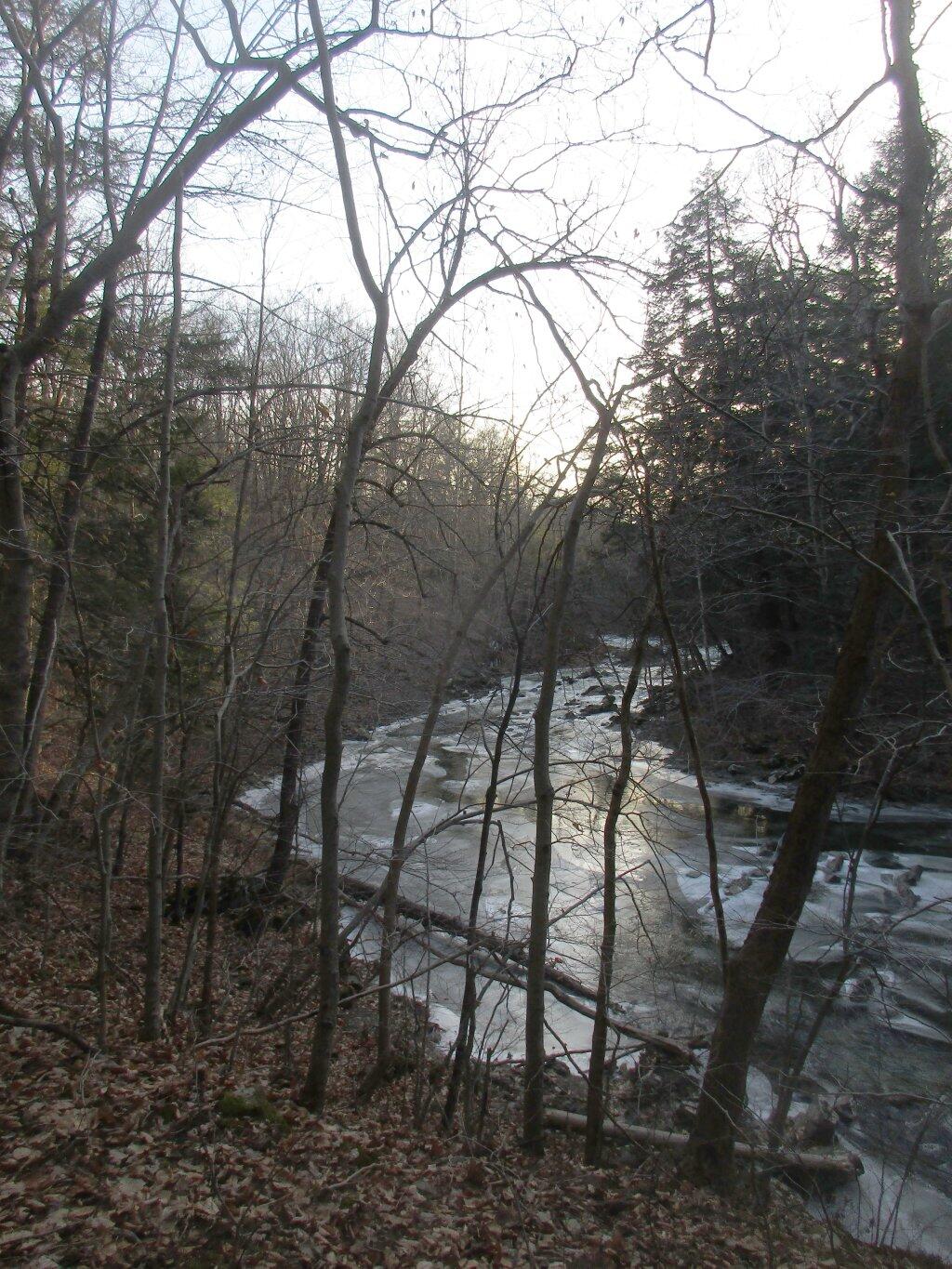
Icy Hannacroix Creek


Here is the Python code I use with QGIS 3.0 to export to an image from a layout you have previously set up and saved in your project.
        layout = QgsProject.instance().layoutManager().layoutByName("YourLayoutName")
        export = QgsLayoutExporter(layout)
        export.exportToImage("YourPath/YourFilename"+".jpg", QgsLayoutExporter.ImageExportSettings())
For a PDF export you would use:
        layout = QgsProject.instance().layoutManager().layoutByName("YourLayoutName")
        export = QgsLayoutExporter(layout)
        export.exportToPdf("YourPath/YourFilename"+".pdf", QgsLayoutExporter.PdfExportSettings())
The API is a bit confusing, and some things are broken out of the box in QGIS 3.0 but it’s gotten better with subsequent revisions. QGISLayoutExporter API Documentation. I suggest updating your version of QGIS to the latest stable version, which as of now is QGIS 3.4.3 but may be newer depending on when you find this webpage.

It was a nice afternoon heading out to my parents house on Christmas Day after iking Bennett Hill.
Sunday December 29, 2019