Mapping 📍

📽️ Videos

WMS Mapping

One thing I miss not having internet at home is not having access to web mapping services (WMS). These internet services are handy layers for mapping without downloading individual tiles for aerial photographs, hillshades or topographic maps. I particularly like WMS now that I found the Forest Service topographic WMS service and several state’s hillshades derived from 1m or 2m DEM.

They sure are handy to have access to.

Map: Green Mnt NF Forest Road 74 Camping
SVGZ Graphic: Households Recieving Cash Welfare or Food Stamps

Finding Peaks …

Finding Peaks …

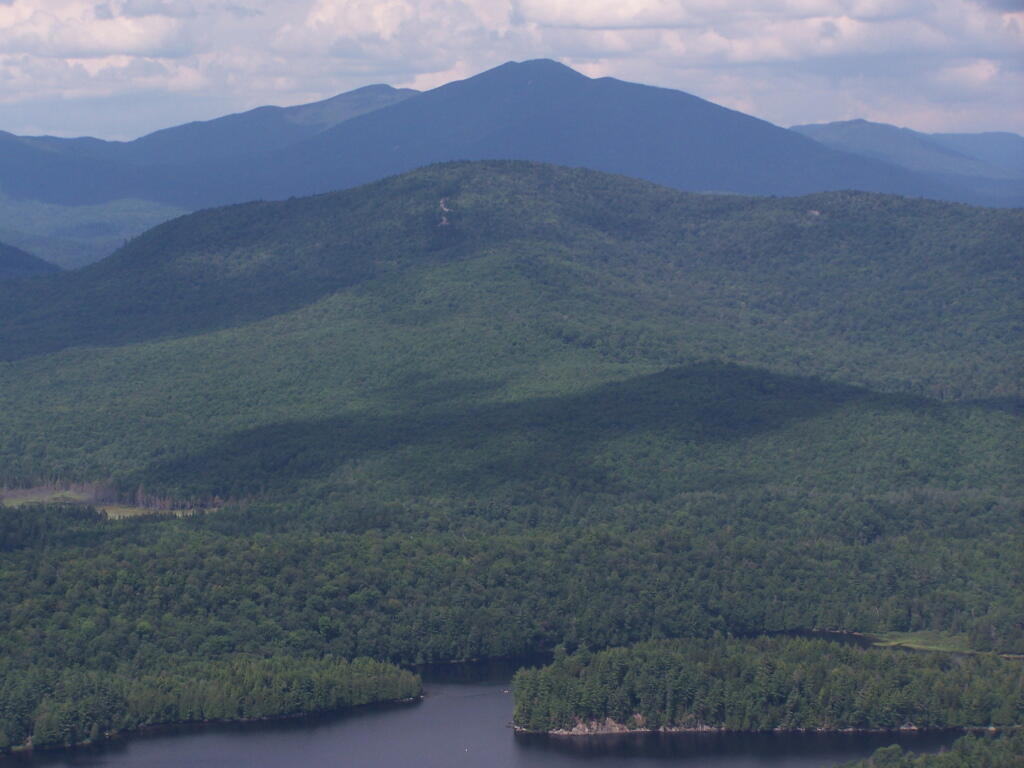
Algonquin Peak

After studying the methods quite a bit, I’ve determined there is no real easy way to find peaks on mountains and report their exact elevation in QGIS. The best method I could come up with was to figure out the median point in the elevation for the map, then use that to isolate “mountains” and from there polygonize, create zonal statistics for each polygon, crop the DEM layer to each polygon then select the pixel that matched the peak. This can be done, but I couldn’t figure out how to automate it easily using the Graphical Modeler, so I would have to write a full plugin to do it. I decided it wasn’t worth the effort. In most cases, I didn’t care about the exact peak, and it would just be easier to add peaks to my maps on a case-by-case basis using a point layer with labels queried against the DEM layer.

Make Your Maps in QGIS but use R and Tidycensus to Generate Census Shapefiles 🗺

Make Your Maps in QGIS but use R and Tidycensus to Generate Census Shapefiles 🗺

Why choose when you can have it all? Seriously, QGIS makes it easy to move labels as you like and do the styling of the Shapefile or GeoPackage you generate in R with tidycensus and sf.

library(tidycensus)
library(sf)
lowincome <- get_acs(
  geography = “state”,
  table = ‘B19001’,
  year = 2020,
  output = ‘wide’,
  survey = “acs5”,
  geometry = TRUE);
lowincome$under30k <- ((lowincome$B19001_002E +lowincome$B19001_003E+ lowincome$B19001_004E+ lowincome$B19001_005E+ lowincome$B19001_006E) /lowincome$B19001_001E)*100
lowincome %>% write_sf(‘/tmp/under30k.gpkg’)

With the above R code, it will generate a GeoPackage (use extension .gpkg) or Shapefile (use extension .shp) you can use to make your map in QGIS. Then in QGIS if you want to simplify the output, you can use a geometry generator in the styles:

simplify($geometry,0.003)

Or you can specify the simplification in the R script when you run get_acs(), as it is a wrapper around the tigris package:

lowincome <- get_acs(
  geography = “state”,
  table = ‘B19001’,
  year = 2020,
  output = ‘wide’,
  survey = “acs5”,
  geometry = TRUE,
  resolution = ’20m’,
);

Neat ! R and QGIS are great tool to use together.