Corrupt QGIS Configuration File May Cause QGIS Rule Based Layering to Lock Up

Are you having trouble with QGIS locking up with the Rule Based Layering Dialog? Try deleting the “UI” section of ~/.config/QGIS/QGIS2.conf. I believe but haven’t been able to confirm that the paneldialogEdit%20rule is causing the program to get confuse and not properly display the window, after the window position has been moved.

For now, once you delete that section and restart QGIS, you should avoid resizing and moving the Rule Based Layer Dialog window. I don’t know when there will be a bug fix, but this seems to fix the problem for me now.

Map: Alma Pond
Map: Dobbins Memorial State Forest
Map: Little John Wildlife Management Area
Map: Otter Lake
Map: South Hill State Forest (Oneida 23)
Map: Summer Hill State Forest
SVGZ Graphic: albany-snow-depth
SVGZ Graphic: college-rate
SVGZ Graphic: december-holidays
SVGZ Graphic: ht2025
SVGZ Graphic: lt2025
SVGZ Graphic: Places Named Bethlehem
SVGZ Graphic: Towns with Most Similiar Land Cover to the Town of Bethlehem
Terrain Map: Happy World Milk Day!
Photo: Straight away to Woodsman Pond Road Bridge
Photo: Snoopy tossing flowers off the bridge
Photo: Wooded Meadows In Northern Catskills
Photo: Posting for the record
Photo: Wine Country 🍷
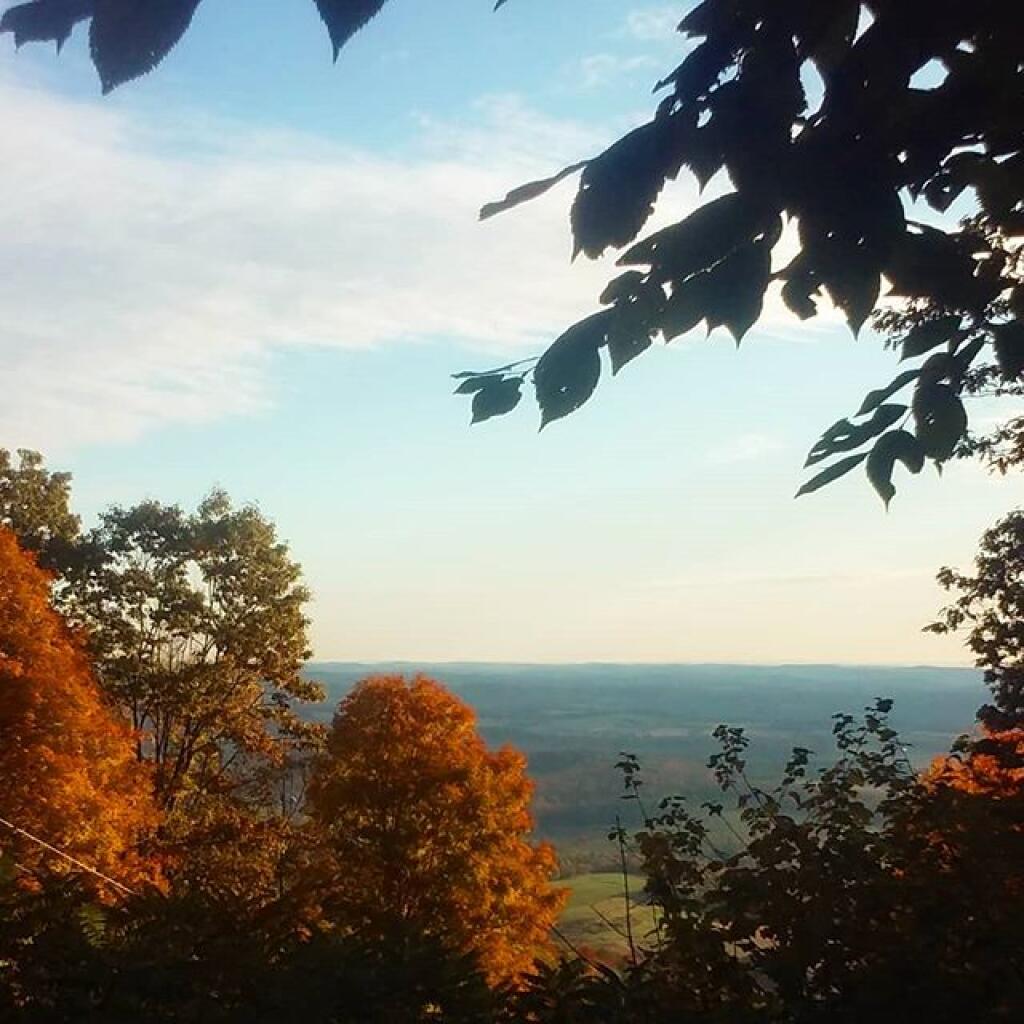
Photo: Northview
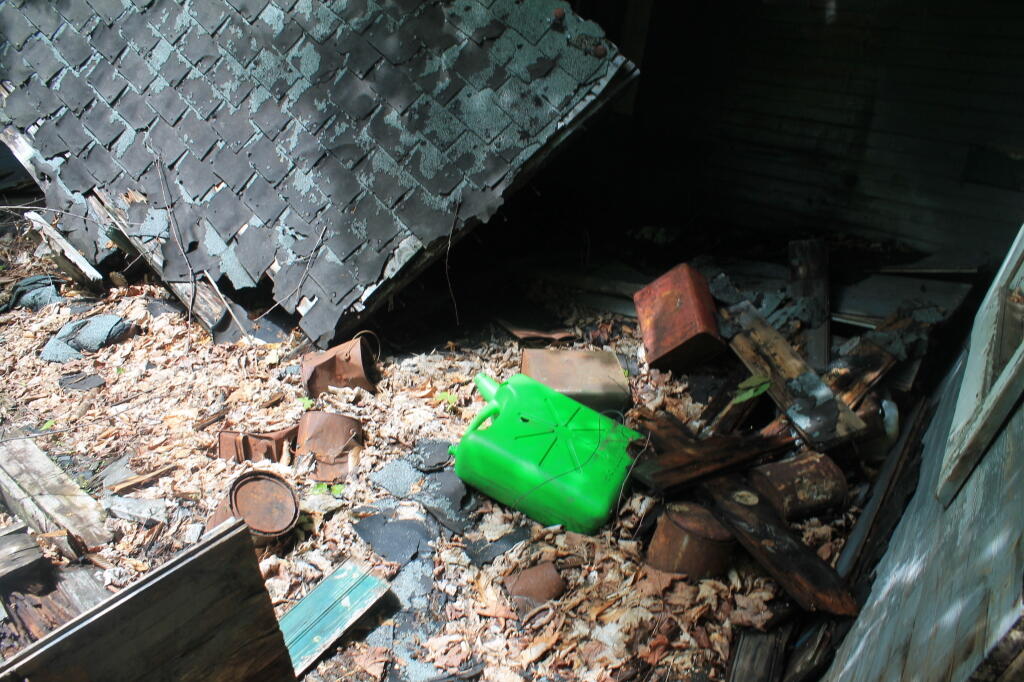
Photo: Junk by Old Ranger's Garage
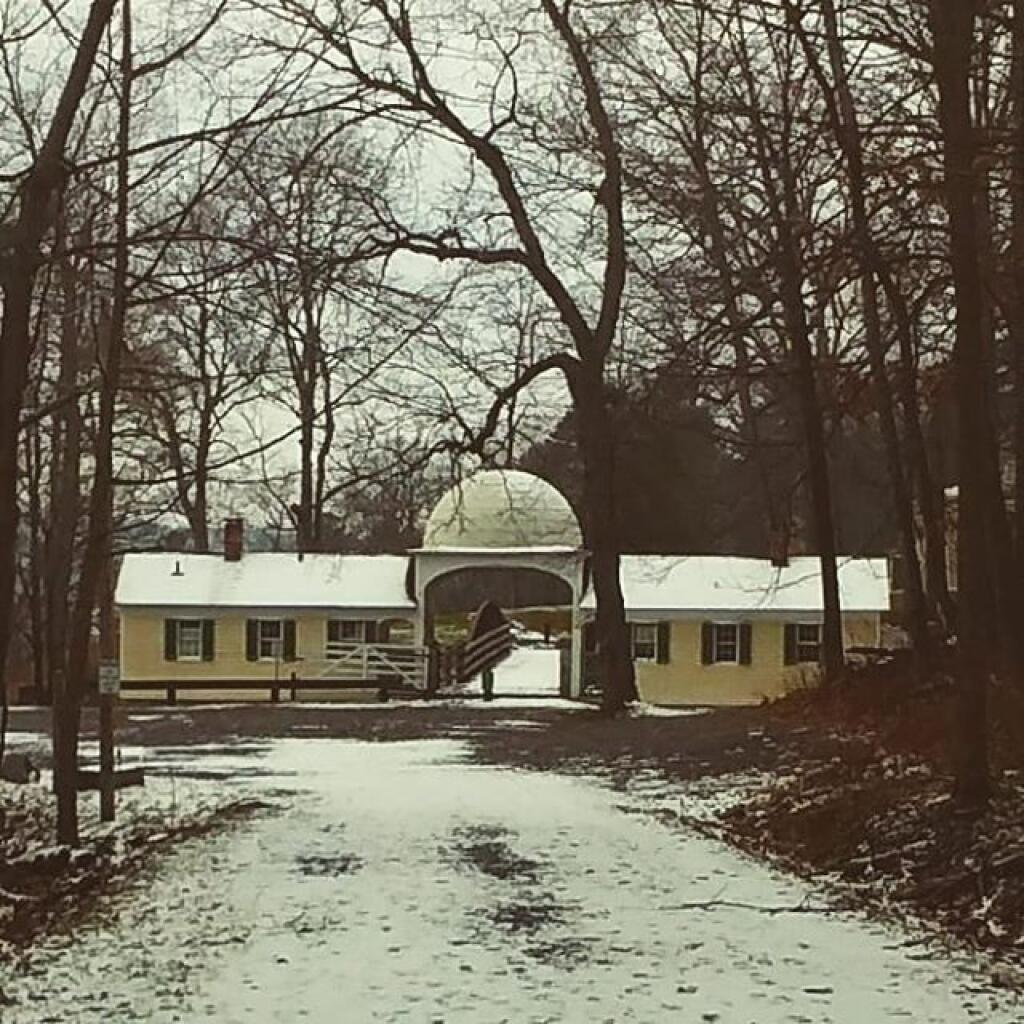
Photo: Gate House
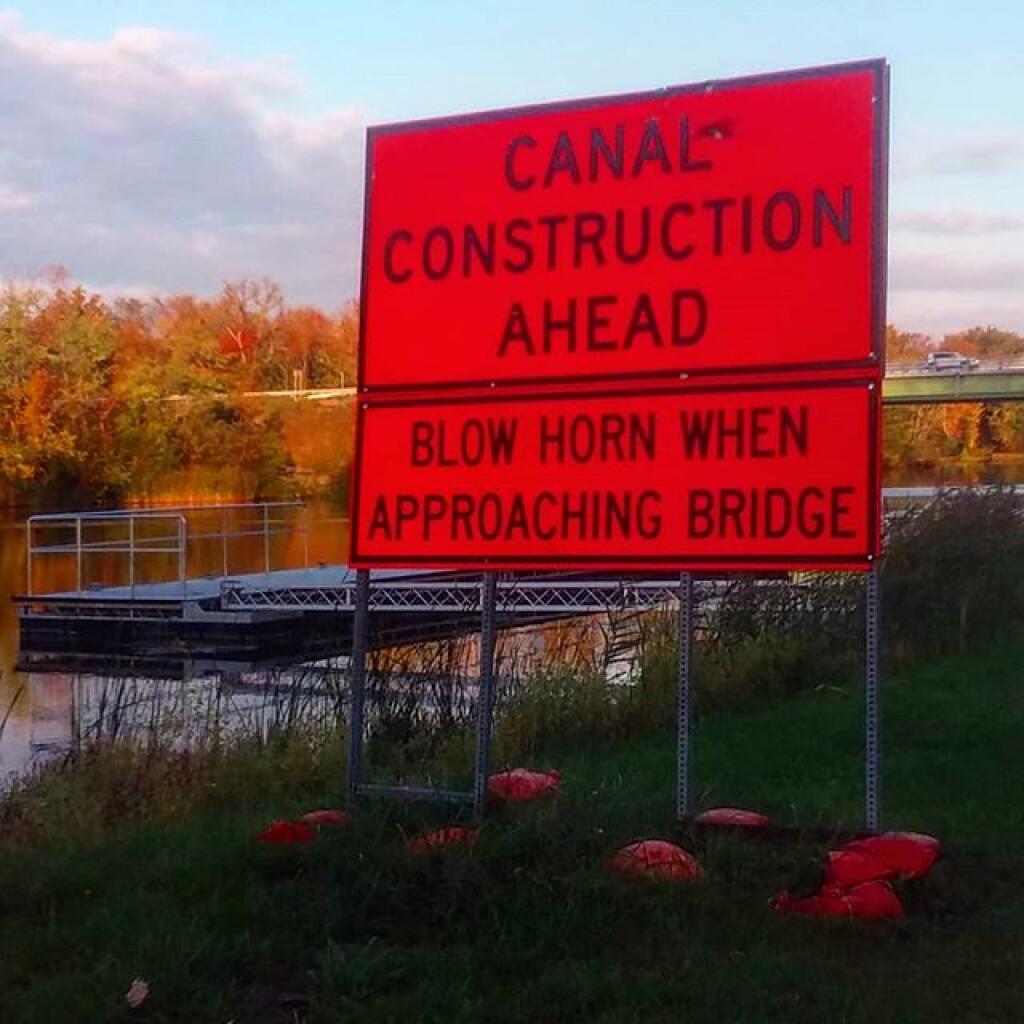
Photo: Who doesn't enjoy blowing their horn?
Photo: Trail

Leave a Reply

Your email address will not be published. Required fields are marked *