yt-dlp – how to download an audio track as an mp3 and start playing in vlc once downloaded

I was wondering how to set up yt-dlp to download an audio track from Youtube as an Mp3, then play it in vlc once it was finally downloaded. After a bit of playing I found this command works well with yt-dlp.

yt-dlp -x --audio-format mp3 -P "/home/andy/Desktop/" -o "%(title)s.%(ext)s" --exec "vlc {}" [HREF]

Normally, though for videos I don’t want to download and save the full video as audio, so I use this command to stream the video to vlc.

yt-dlp -f b --simulate  --embed-subs --write-sub --write-auto-sub --sub-lang "en.*" --exec video:'vlc --play-and-exit --meta-title=%(title)#q %(url)#q' [HREF]
Map: Alma Pond
Map: Dobbins Memorial State Forest
Map: Little John Wildlife Management Area
Map: Otter Lake
Map: South Hill State Forest (Oneida 23)
Map: Summer Hill State Forest
Map: West Parishville State Forest
SVGZ Graphic: albany-snow-depth
SVGZ Graphic: college-rate
SVGZ Graphic: december-holidays
SVGZ Graphic: ht2025
SVGZ Graphic: lt2025
SVGZ Graphic: Places Named Bethlehem
SVGZ Graphic: Towns with Most Similiar Land Cover to the Town of Bethlehem
Terrain Map: Happy World Milk Day!
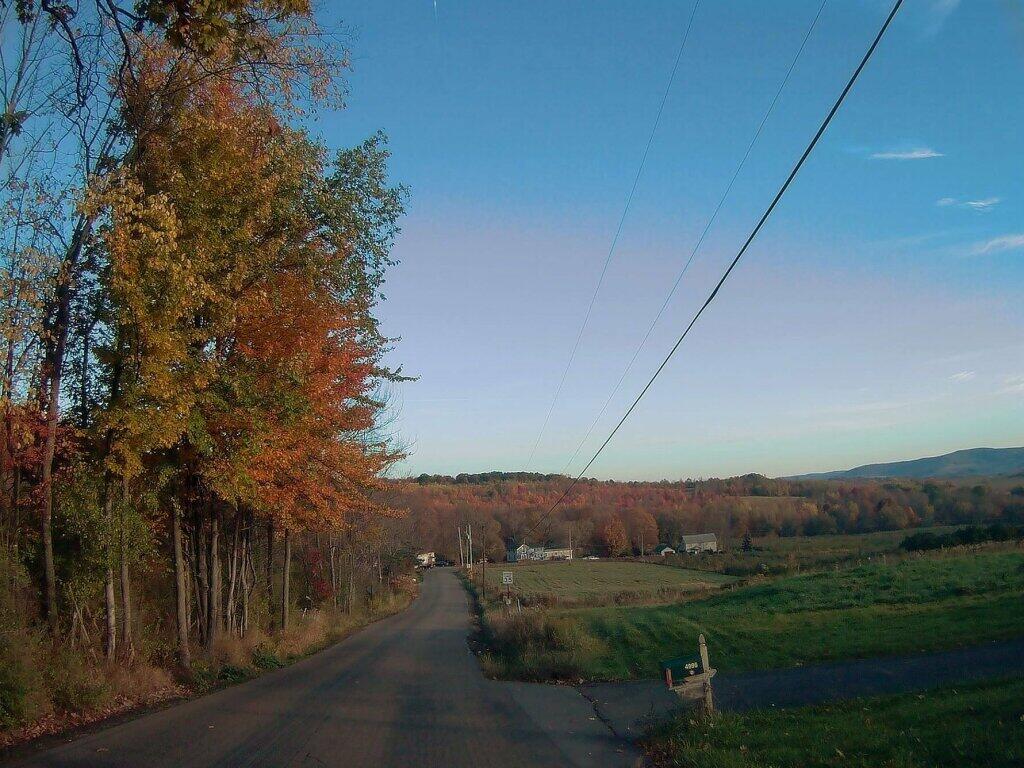
Photo: Down To Troy
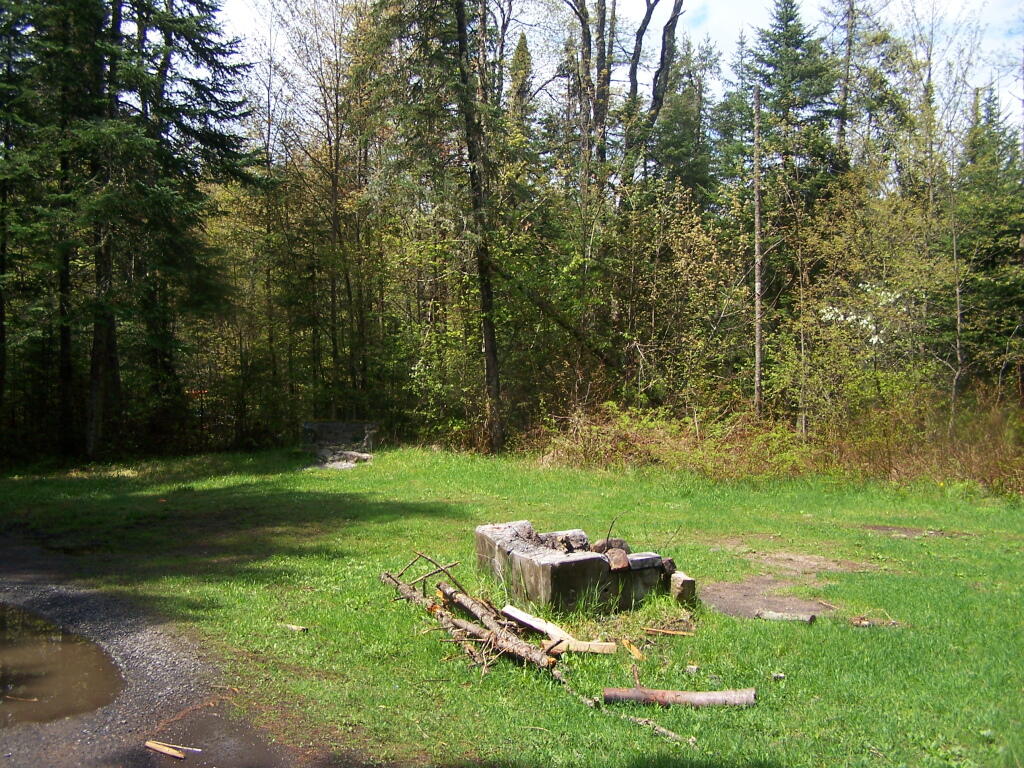
Photo: Field Camping Area
Photo: Peaks
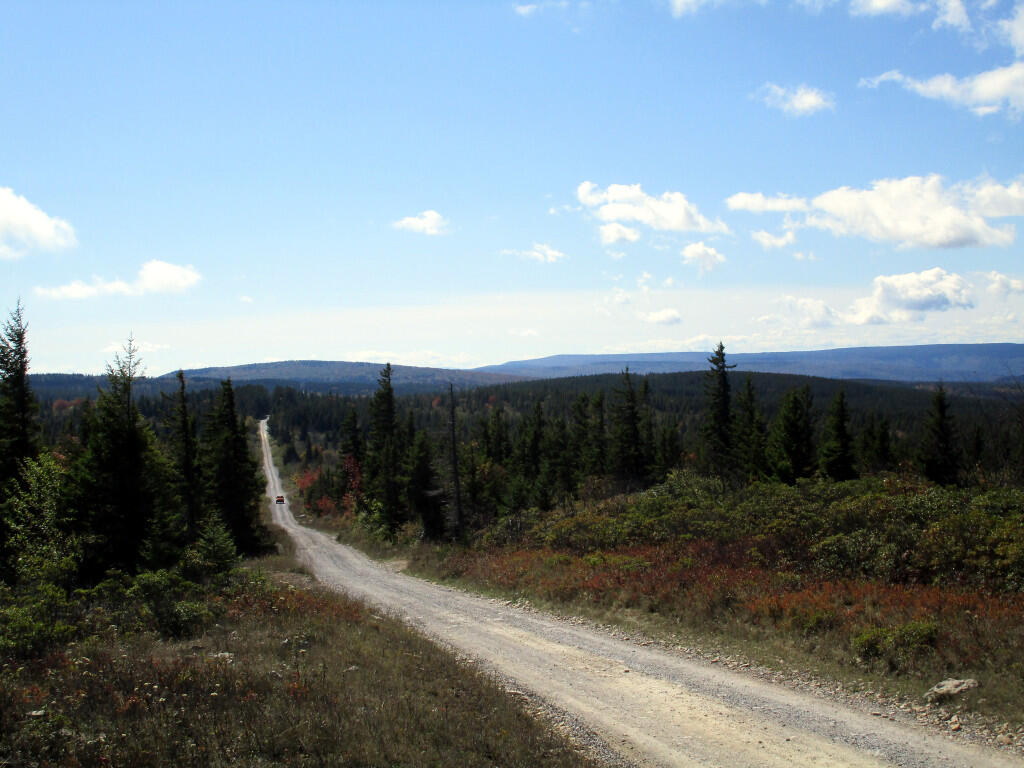
Photo: Dolly Sods Road
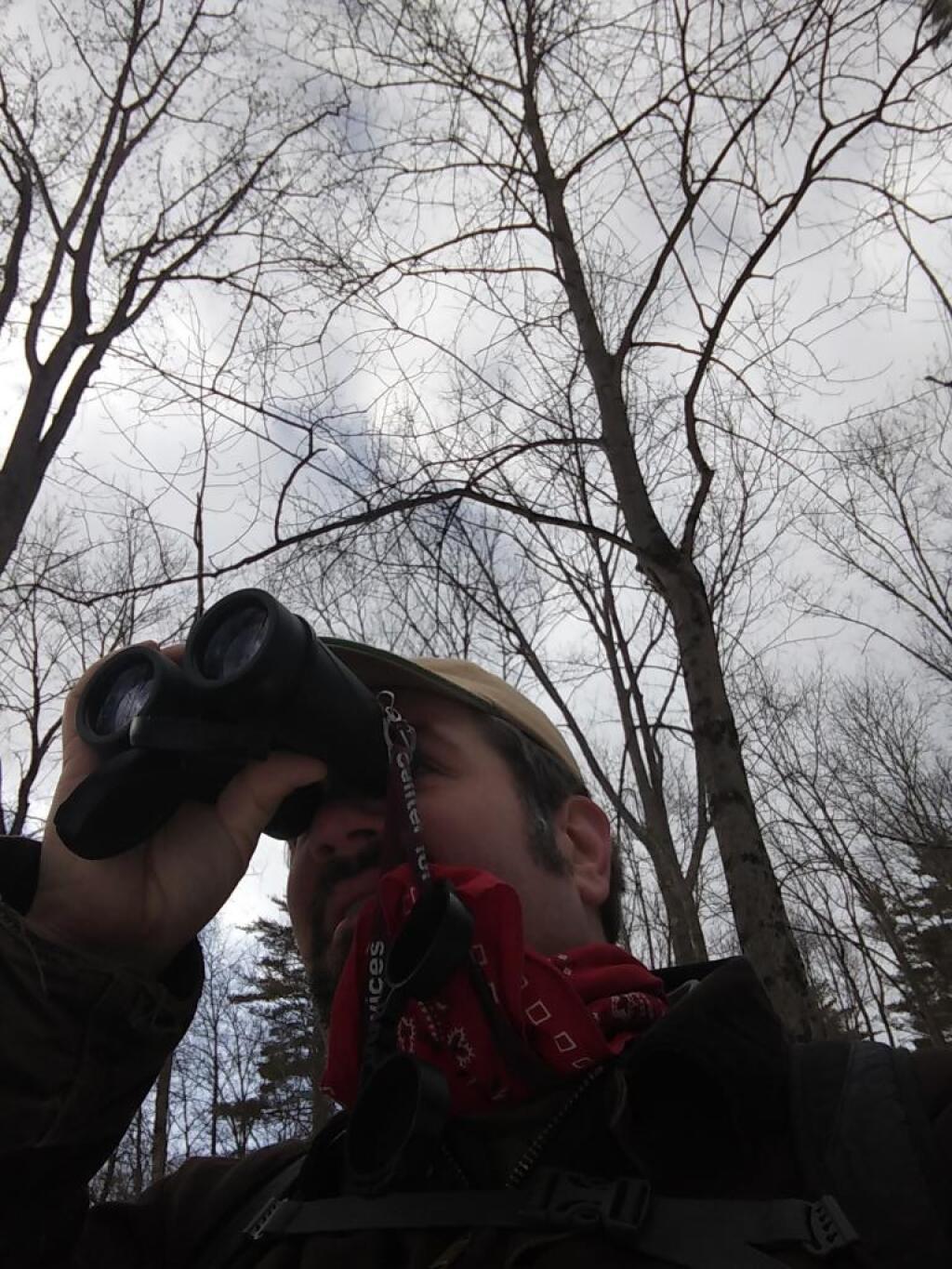
Photo: Bird watching
Photo: Straight away to Woodsman Pond Road Bridge
Photo: Breakfast
Photo: So Many Stairs
Photo: Nice quiet trail along the creek
Photo: With the rumbles of thunder and the radar I decided to turn back

Leave a Reply

Your email address will not be published. Required fields are marked *